

By Sydney Hillard, BSS Staff
File sharing is a routine part of daily work, whether you're exchanging information with coworkers, clients, vendors, or other contacts. Understanding how file sharing works, along with the benefits, risks, and differences between attachments and links, can help you choose the right option for each situation.
The Basics of File Sharing
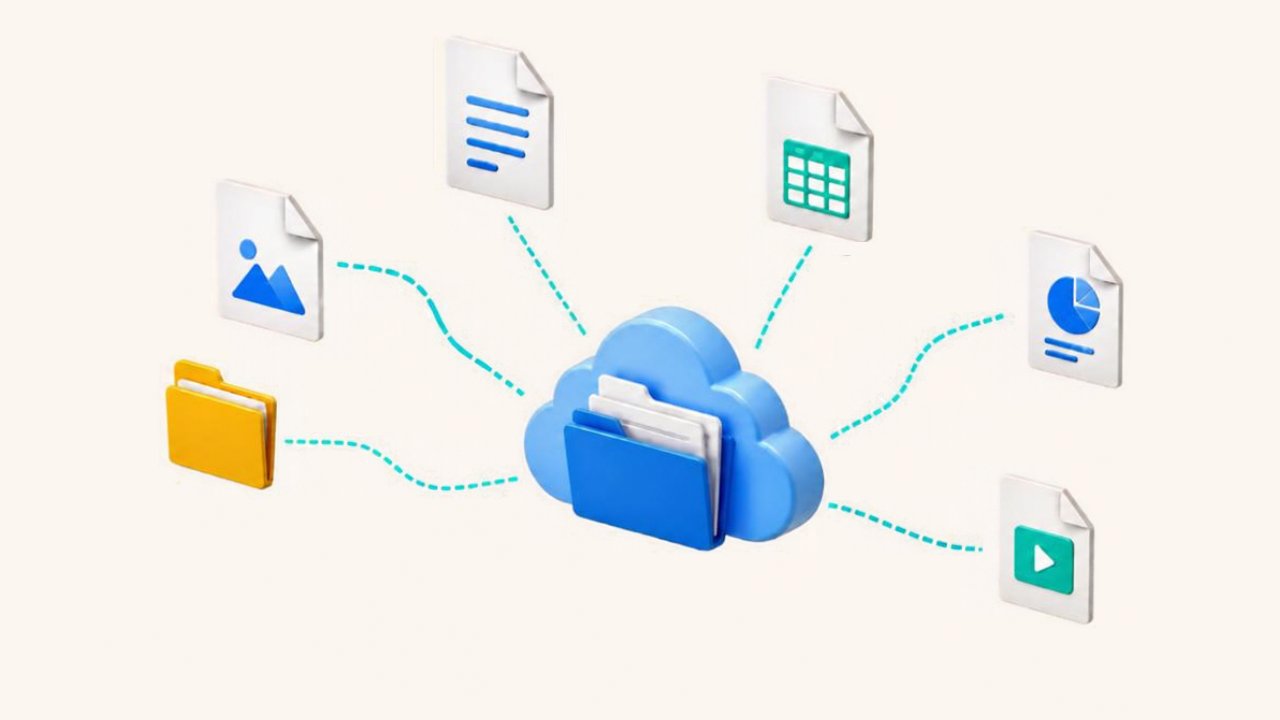
File sharing is the process of exchanging digital media, such as documents, graphics, videos, and images with other individuals remotely. Files can be shared through attachments or links, each offering different levels of access, collaboration, and control.
When sharing files, it's important to implement a few security measures to help protect the information they contain. Enable multi-factor authentication (MFA) to help protect accounts from unauthorized access. For sensitive information, use password protection or secure sharing tools that encrypt data while it is being sent and stored. Periodically review sharing permissions, remove access when it is no longer needed, and keep software up to date.
Best Practices for File Sharing
Effective file sharing starts with simple habits that help keep information organized, accessible, and secure. Before sending or sharing a file, consider these best practices:
- Only share files with the necessary individuals and regularly review their access.
- Store files in an appropriate location so they're easier to find and manage.
- Encrypt sensitive files as an additional layer of protection.
- Verify recipients before sending sensitive information.
- Use clear and descriptive file names to help recipients identify the documents.
- Avoid public Wi-Fi when sharing or opening files.
These practices can help support secure file sharing, whether you choose to send an attachment or a link.
Advantages of File Sharing
File sharing plays an important role in how individuals, teams, and companies exchange and manage information on a daily basis. As a result, it offers several practical advantages:
- Faster access to files and the ability to share them with others.
- Improved teamwork and collaboration by making it easier to review, edit, and exchange information.
- More convenient storage and transfer of large files.
When used effectively, file sharing can make it easier to access, share, and manage information.
Disadvantages of File Sharing
Although file sharing offers many benefits, it can also pose security, privacy, and compliance risks. It's important to be aware of these potential concerns:
- Greater risk of downloading malicious software, spyware, and viruses.
- Sensitive information being shared with or accessed by unauthorized users.
- Exposure of confidential data through unsecured storage or sharing platforms.
- Difficulty meeting compliance or regulatory requirements.
Most of these risks can be minimized or even avoided by remaining diligent and following secure file-sharing practices.
Sharing Files as Attachments
When a file is shared as an attachment, the recipient receives a copy of the original file. Any changes made to the original file after it is sent will not be reflected in the recipient's copy. Likewise, any edits the recipient makes will only affect their version of the file. As a result, multiple versions of the same file can exist.
Example: You email "Company-Policies.pdf" as an attachment but update the document the following day. Recipients will still have the original copy instead of the revised version.
It's best to use attachments when sending files outside your organization, with contacts who don't have access to the file location, or if you're sending a finalized document.
Sharing Files as Links
When you share files as a link, you give the recipient direct access to the original copy stored in the cloud, such as OneDrive, Dropbox, Google Drive, or SharePoint. This allows recipients to access the latest version of the file and see edits in real time. It also makes it easier for multiple users to collaborate on the same document.
When sharing files through a link, you can control who can access the file and whether they can view, comment on, or edit it. You can also limit access to specific people and change or remove permissions later if needed. For security purposes, avoid using "Anyone with the link can edit" unless it's necessary or appropriate for the situation.
Sharing files through a link can make it easier to send large documents, collaborate with others, free up space on the cloud or your devices, and manage access after a file has been shared. Unlike attachments, links allow everyone to work from the same version of a file.
Example: You share a link to "Q2 Sales Report" in SharePoint but update the report the following week. Anyone using the link will automatically see the latest version.
It's best to use links when recipients have access to the file location, collaboration with others is needed, or the file may be updated in the future.
When to Use Links vs. Attachments
The best sharing method depends on how the file will be used. Use these guidelines as a quick reference when deciding between a link or an attachment.
Use a link when:
- The file may be updated in the future.
- Multiple people need access to the file.
- Others need to review or collaborate on the file.
- You need to control who can view, edit, or share the file.
Use an attachment when:
- The file is already finalized, and no future edits are anticipated.
- The recipient needs a copy for their records.
- The recipient does not have access to the file location.
Choosing the right sharing method can help reduce confusion, maintain version control, and protect sensitive information.
~~~
Secure file sharing can make collaboration easier while helping information stay organized and manageable. Whether you send an attachment or share a link, the right choice depends on how the file will be used, who needs access, and whether the information needs to change over time.
Sources
What is File Sharing? - GeeksforGeeks
Types of File Sharing - TitanFile
How to Stay Safe with Shared Documents: A 2026 Guide | GCS Network
SharePoint vs OneDrive: What Is the Difference in 2026
The Hidden Dangers: The 6 Security Risks Of File Sharing
Encrypted File Sharing in 2026: How It Works and the 7 Tools I Compared